Get Started with PostgreSQL
PostgreSQL is a powerful, open source object-relational database system. It is free for personal use. It is also available across many different platforms including Windows, macOS and Linux.
The following guide is written for Windows OS users.
- Head to website: https://www.enterprisedb.com/downloads/postgres-postgresql-downloads, download PostgreSQL server installation package (the 17th edition), and launch the installer file.
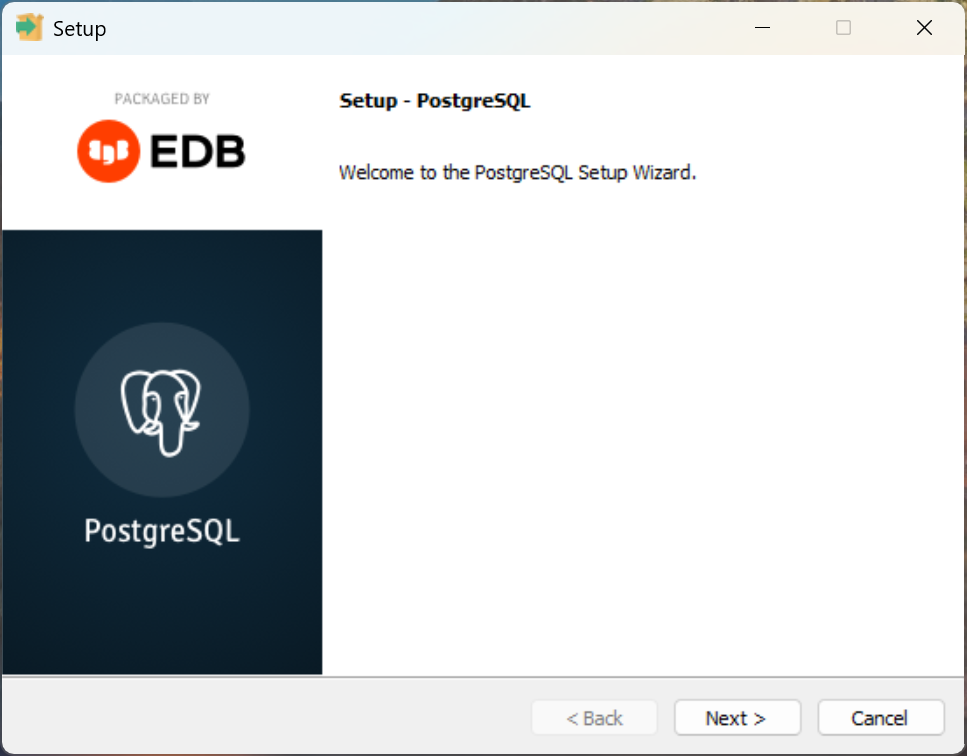
- Accept the user agreement and follow the installation prompts. For the most parts, we are accepting the default settings. Here are a few screenshots for milestones.
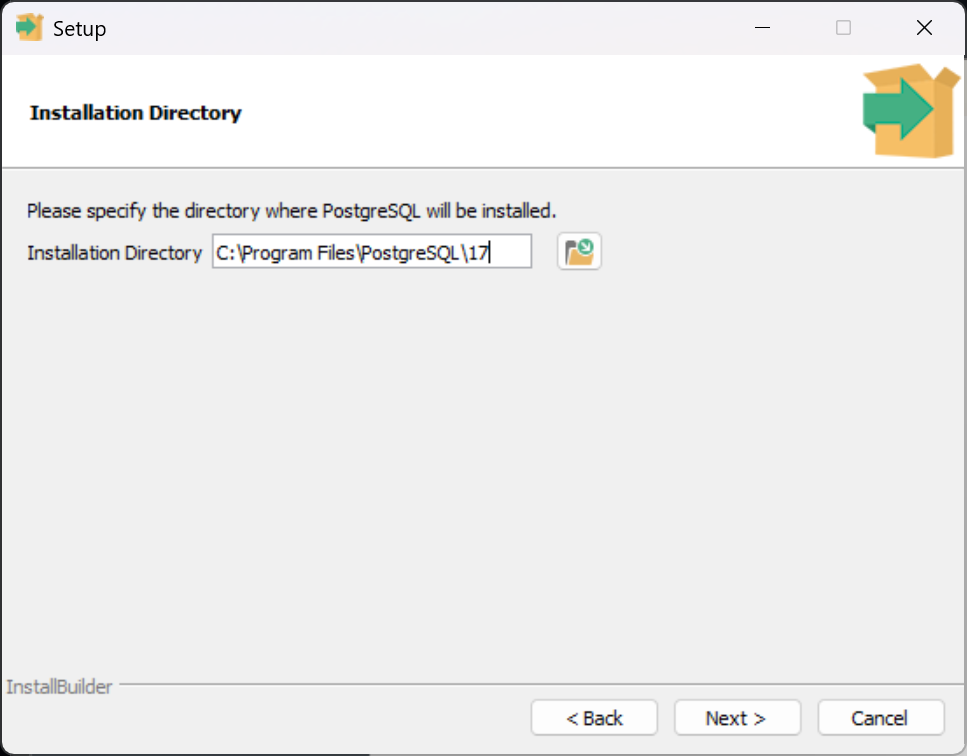
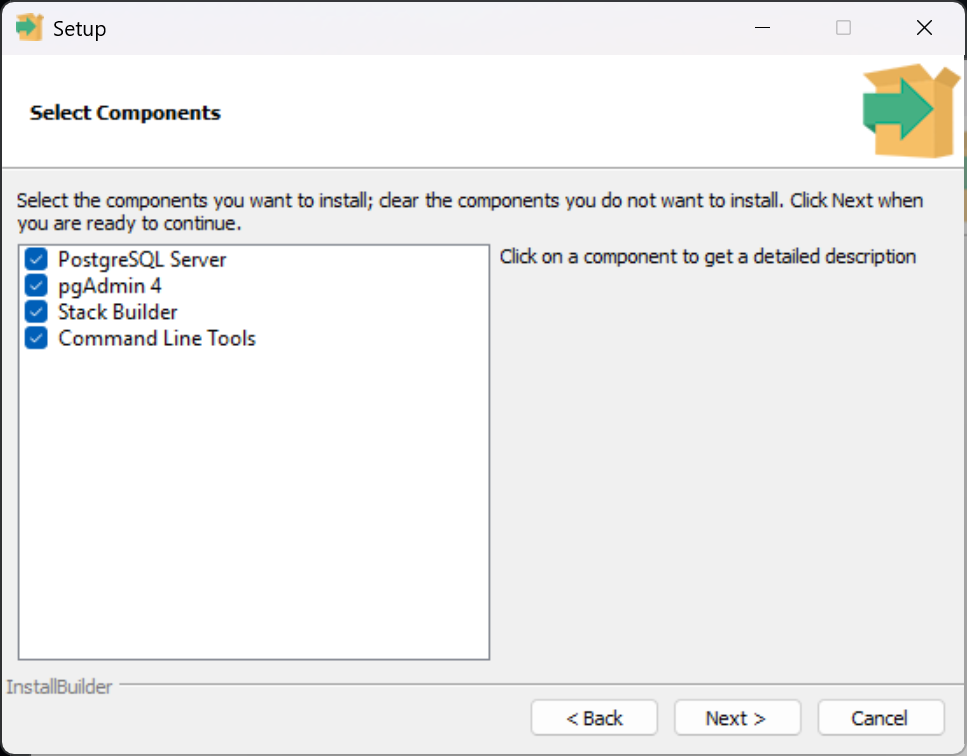
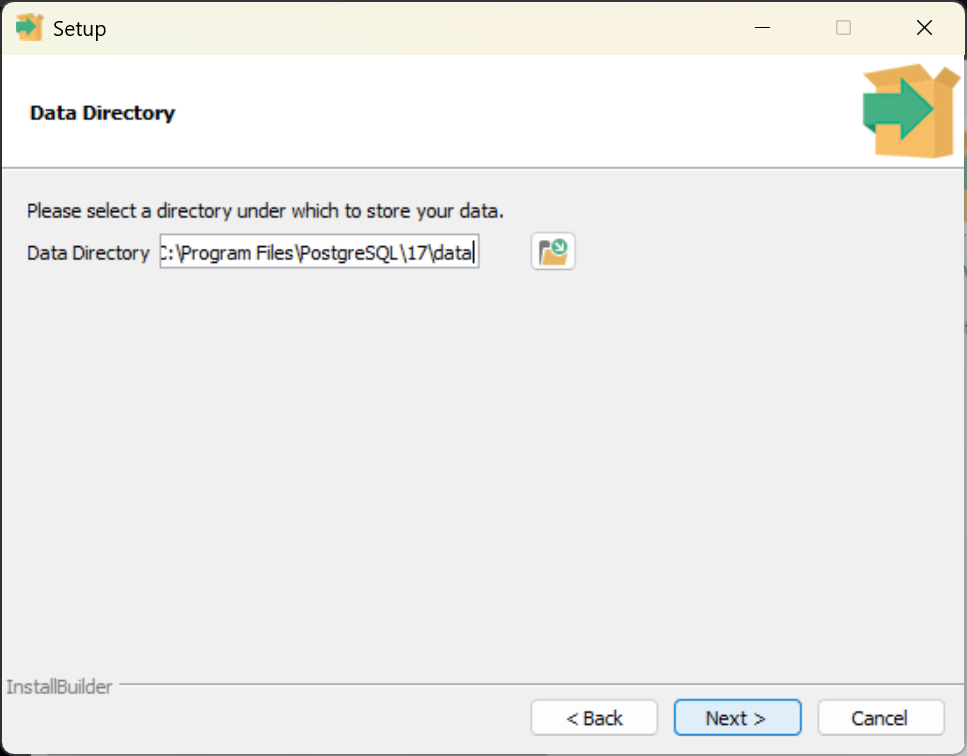
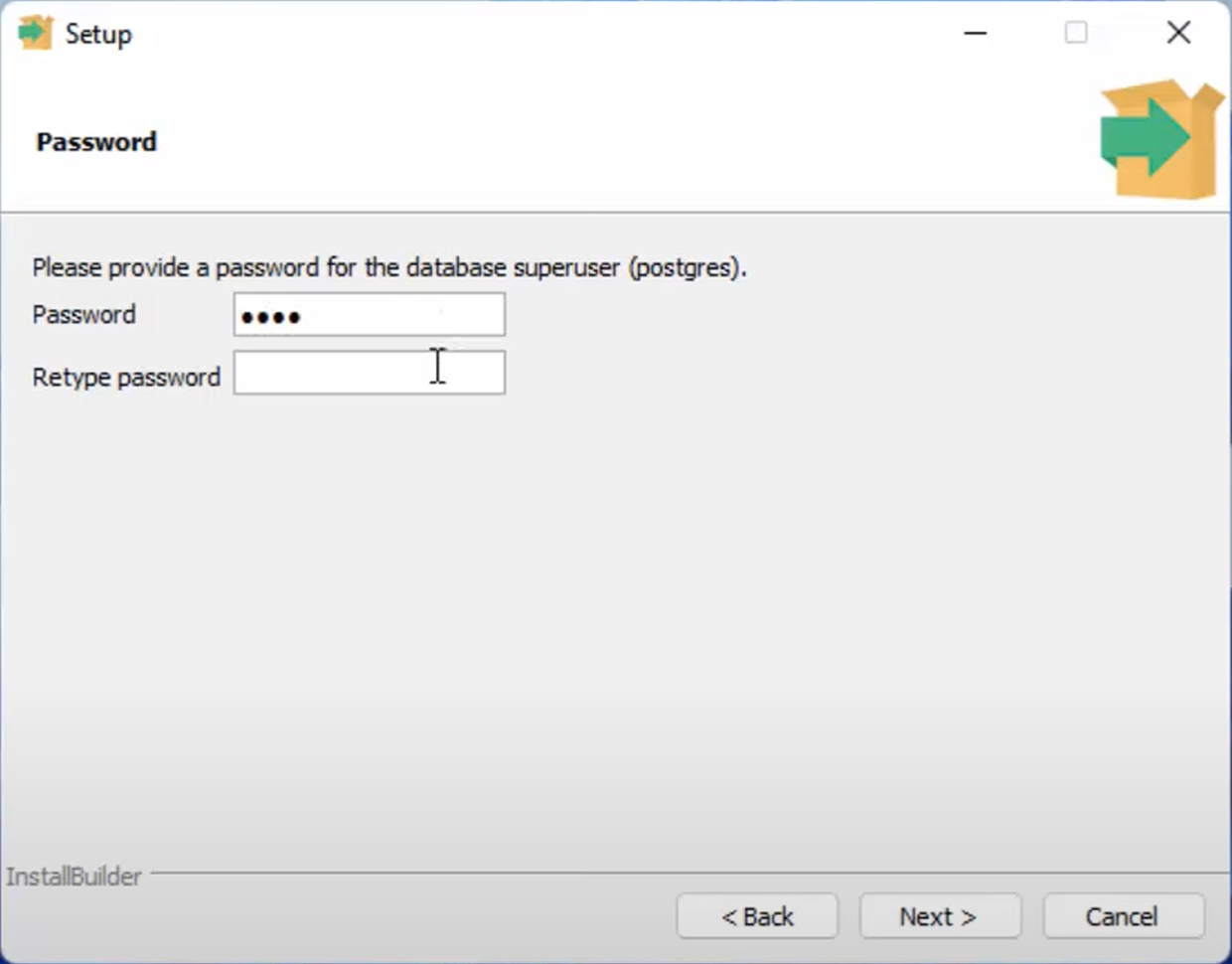
- Nothing secretive here. We will set the password as PostSQL1234. Make sure to make a note of the password that you entered here. We will need to use it later.
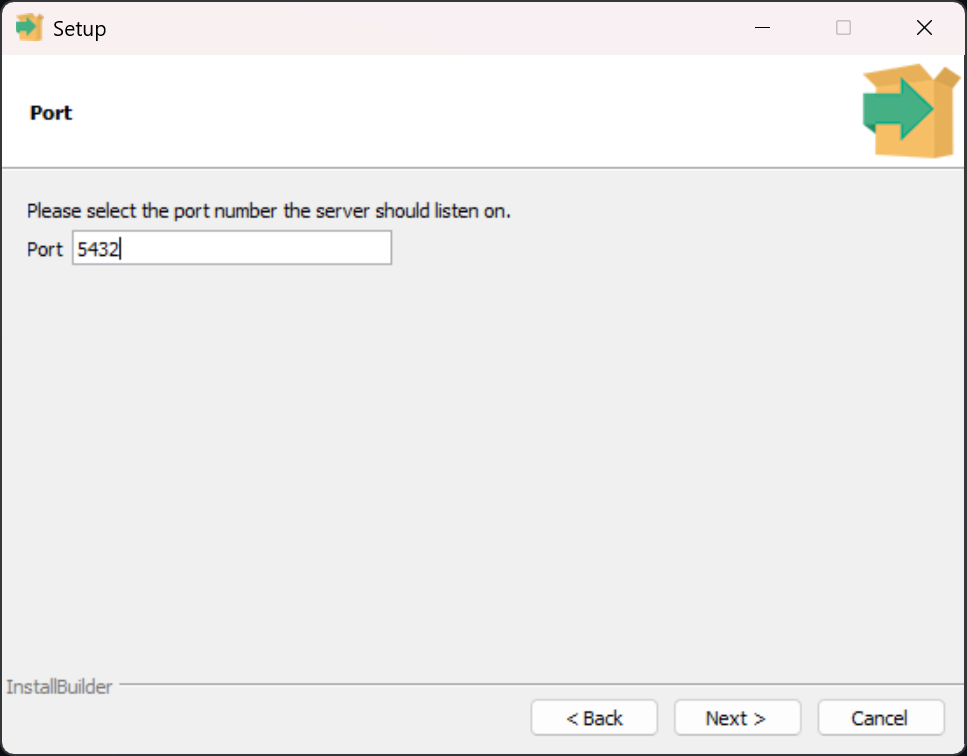
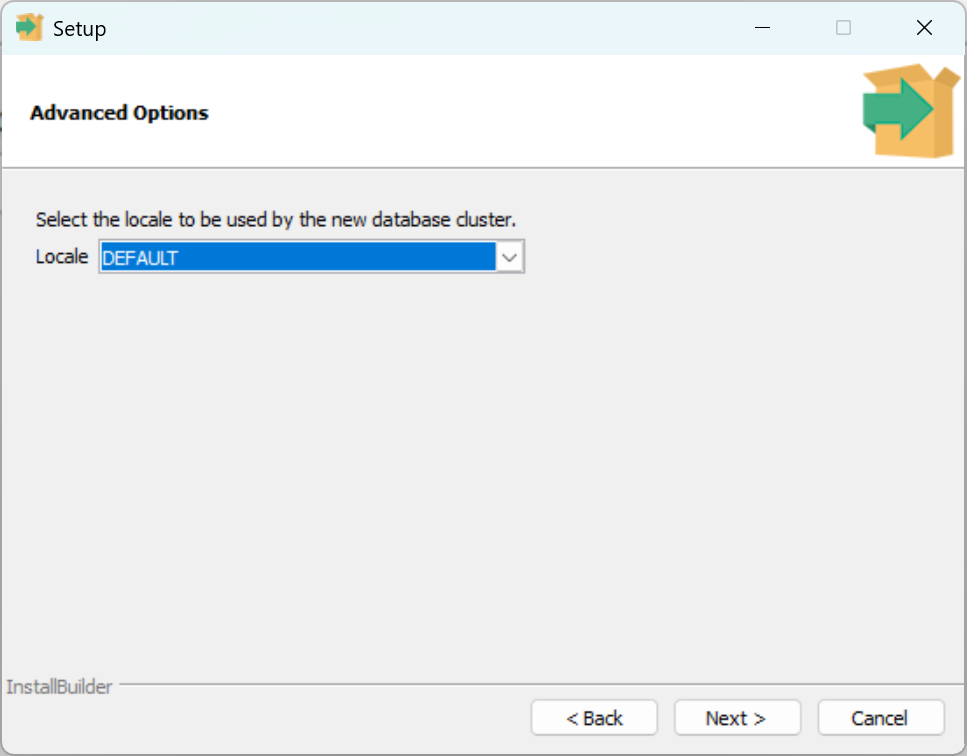
- Use the default port setting and locale setting.
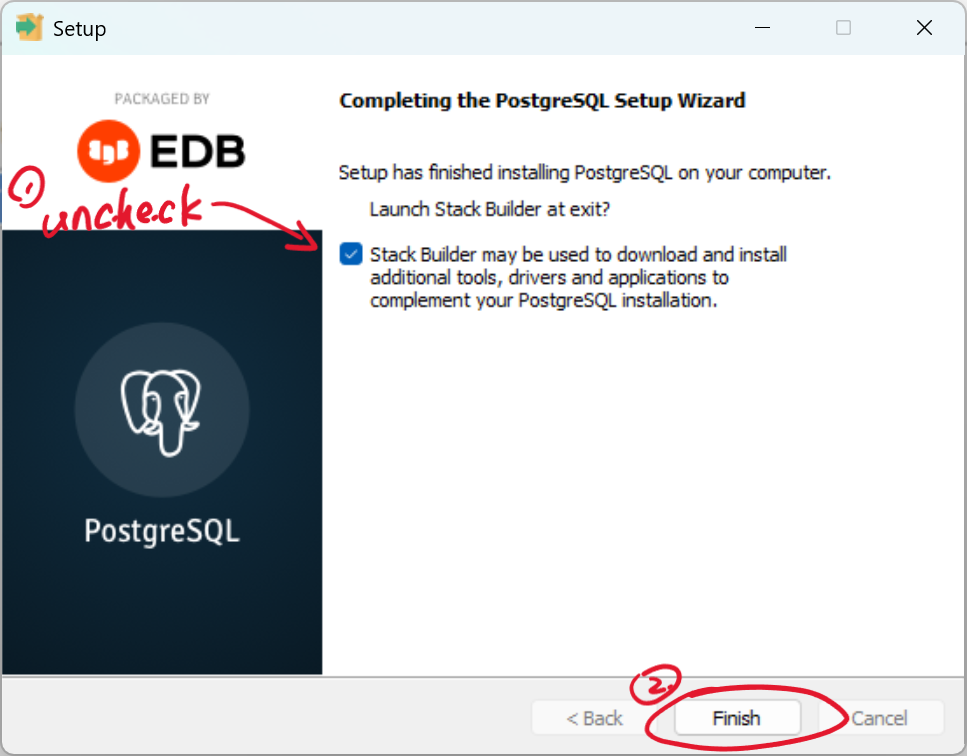
- When installation completed, make sure to uncheck the Stack Builder and then hit the finish button to exit.
- In the Startup Meanu, locate and launch the admin tool called “pgAdmin4”
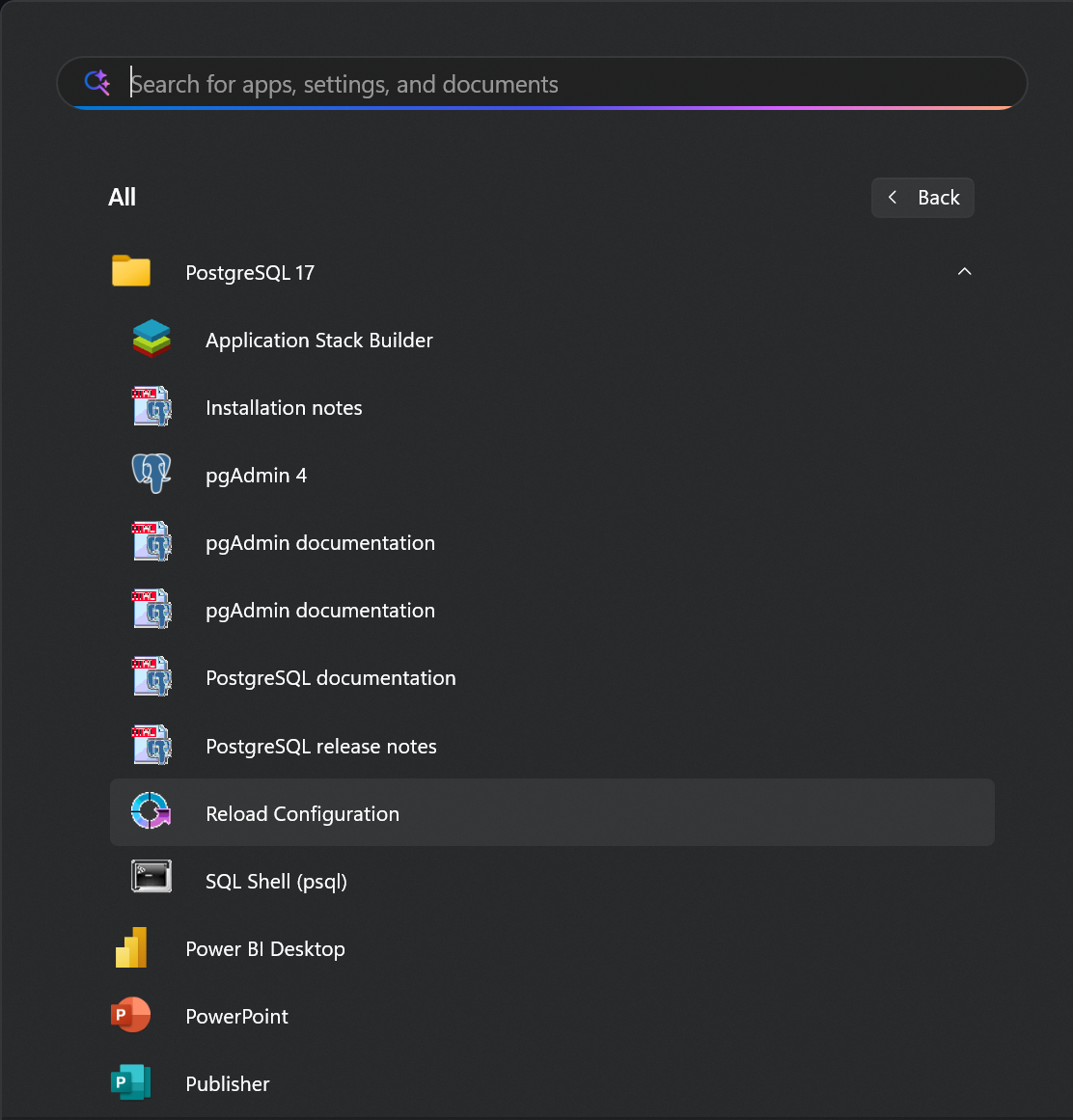
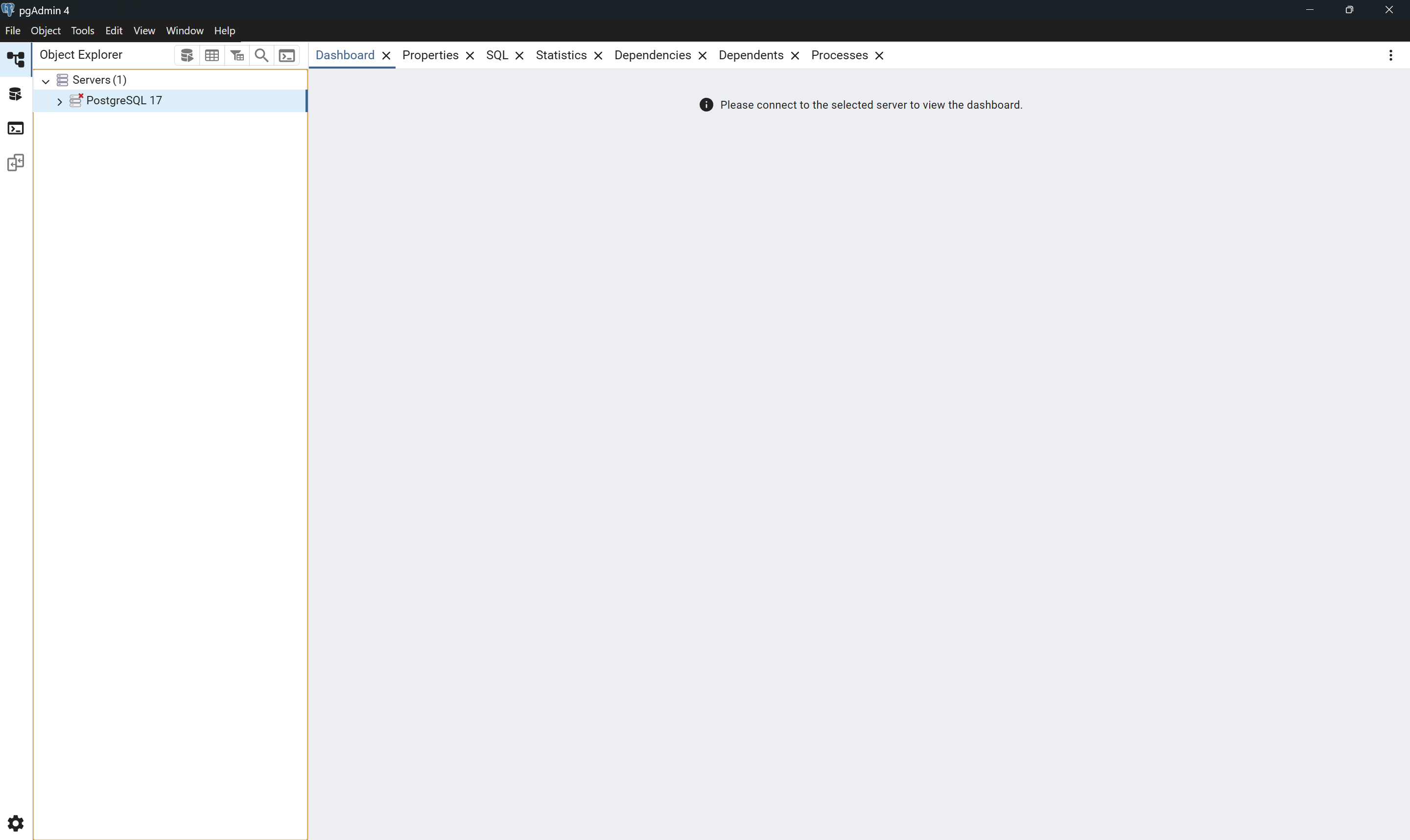
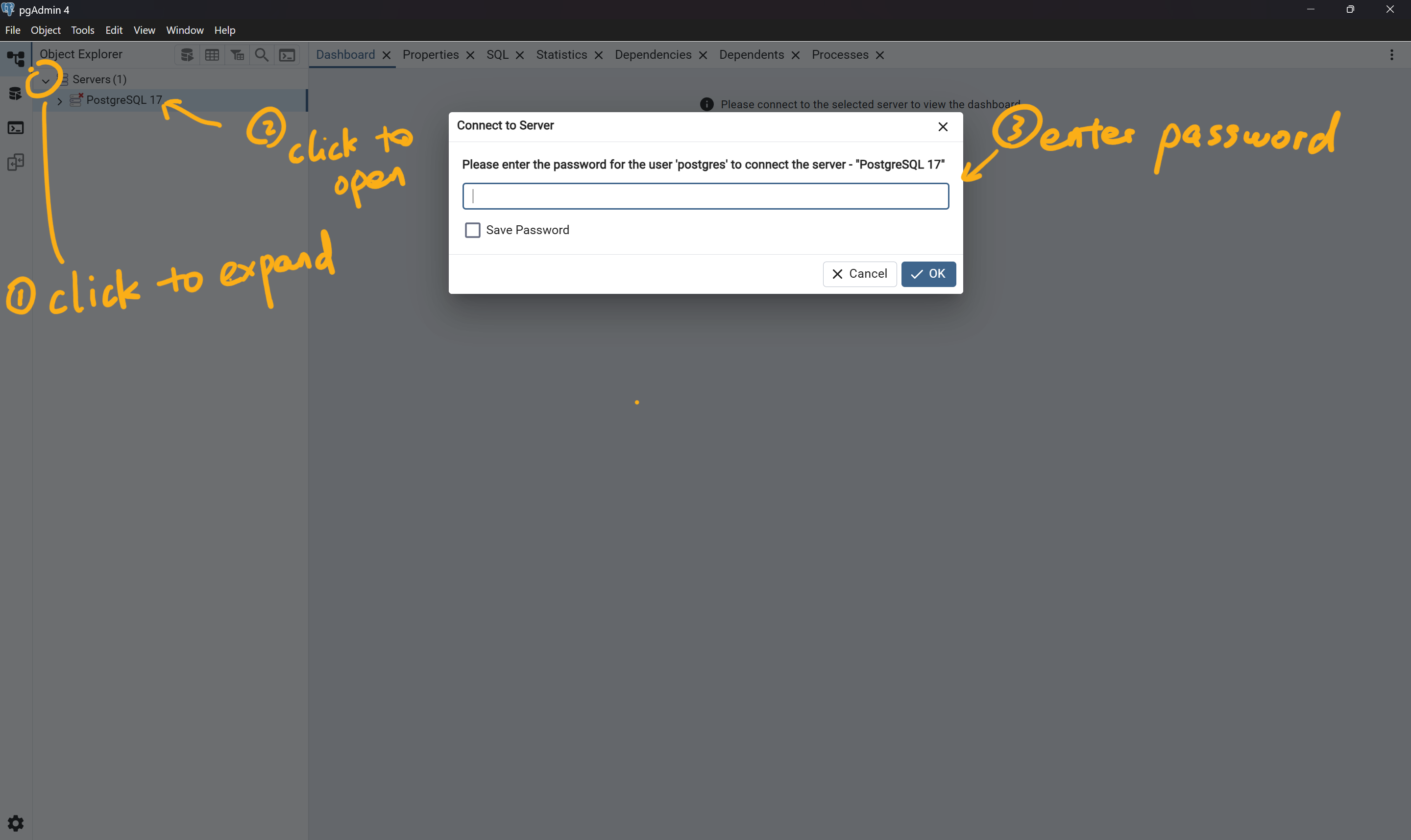
- Once admin tool is open, expand on “Servers” list and open the default server, here it is called “PostgreSQL 17”. You will be prompted to enter the same password (PostSQL1234) that we setup earlier.
- You should see the database items are now available for you to use.
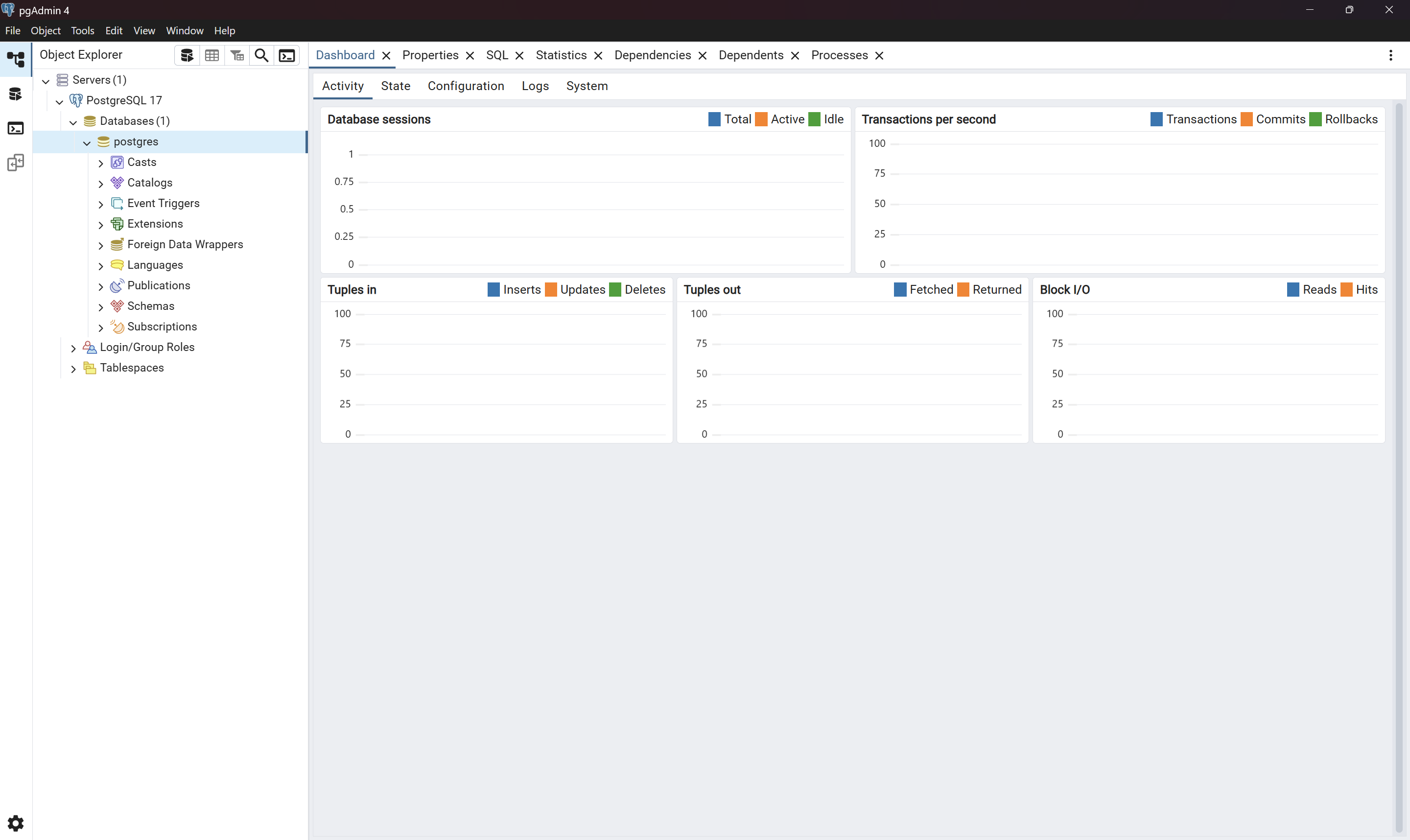
🎉🎉 That’s it! You have finished installing PostgreSQL on your own computer!!
⚠️ Installation on macOS should follow similar settings. Here is a reference video to walk you through the installation process: