Get Started with R
Context
R is a data-first language that has extensive and powerful packages. It is also open-source, meaning it is free to use.
We need to install a software that can “understand” R lanugage and command your computer to do things accordingly. This software is called “R”, yes the same as the language name “R”.
Install R
⚠️ Please know that the following guide is for Windows users. If you are macOS users, please know that installing R follows standard macOS installer process, only choosing macOS installer to download at the source page.
⚠️ Please note that the R version in this reference (4.5.1) might not be as recent as you will see, but the installation process will be the same.
- Download R here: CRAN R Download.
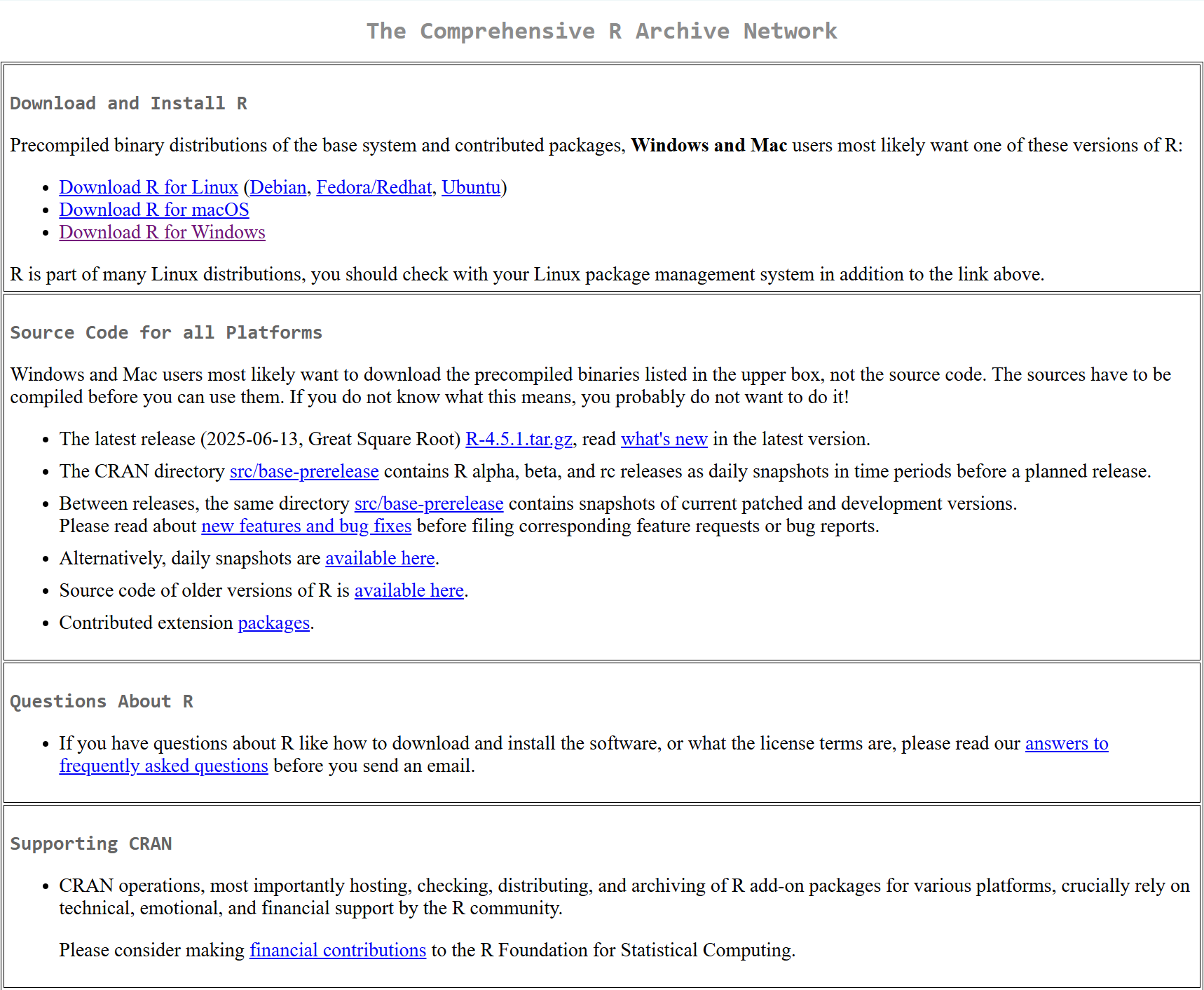
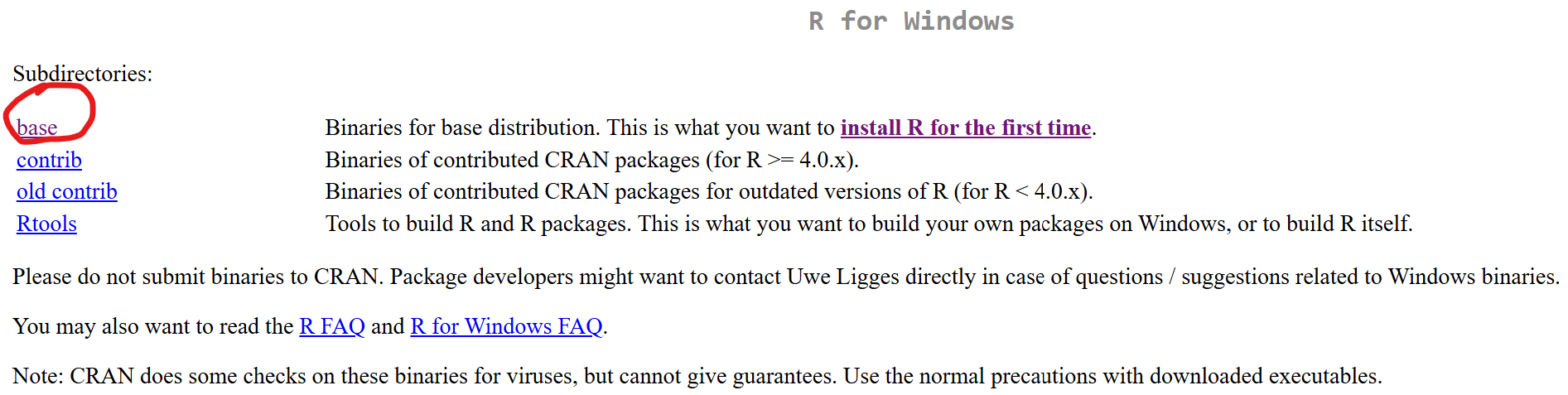
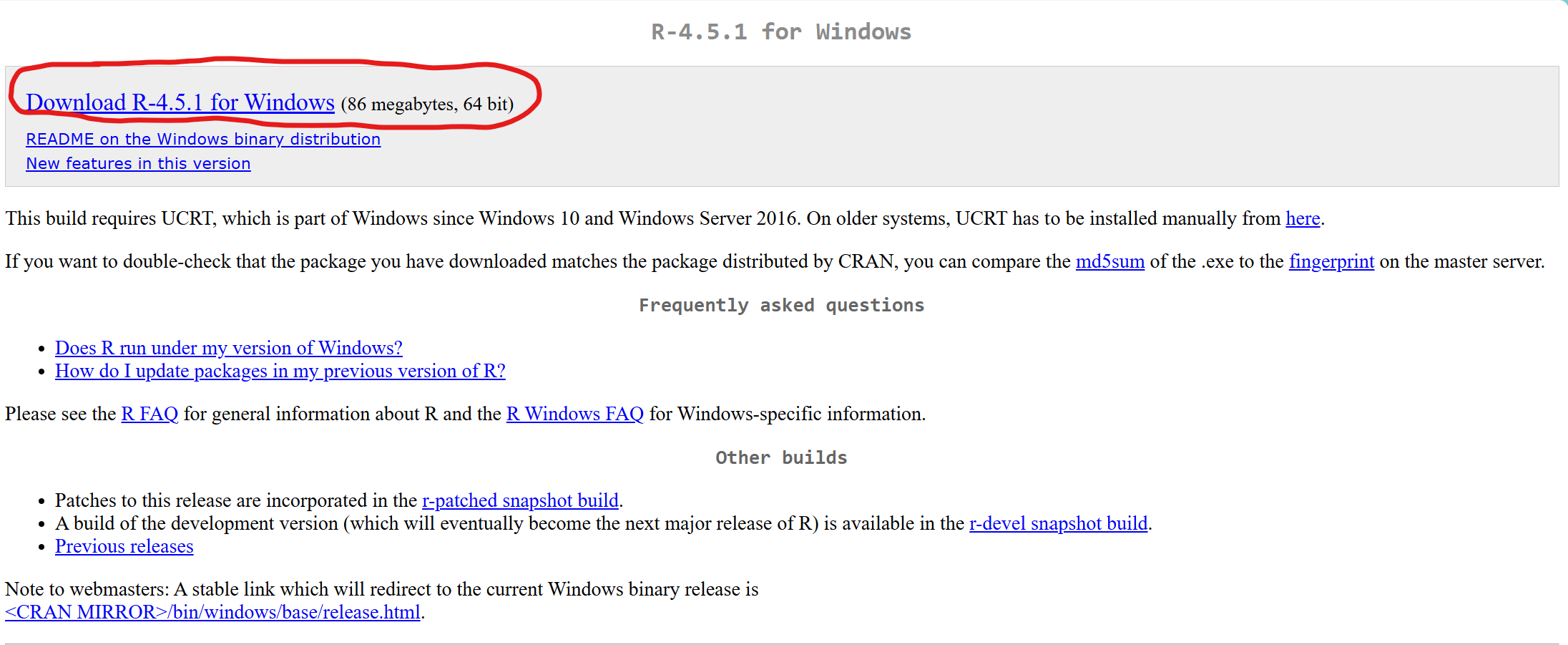
- Install R by following the installer instruction. You can keep all the default options and settings.
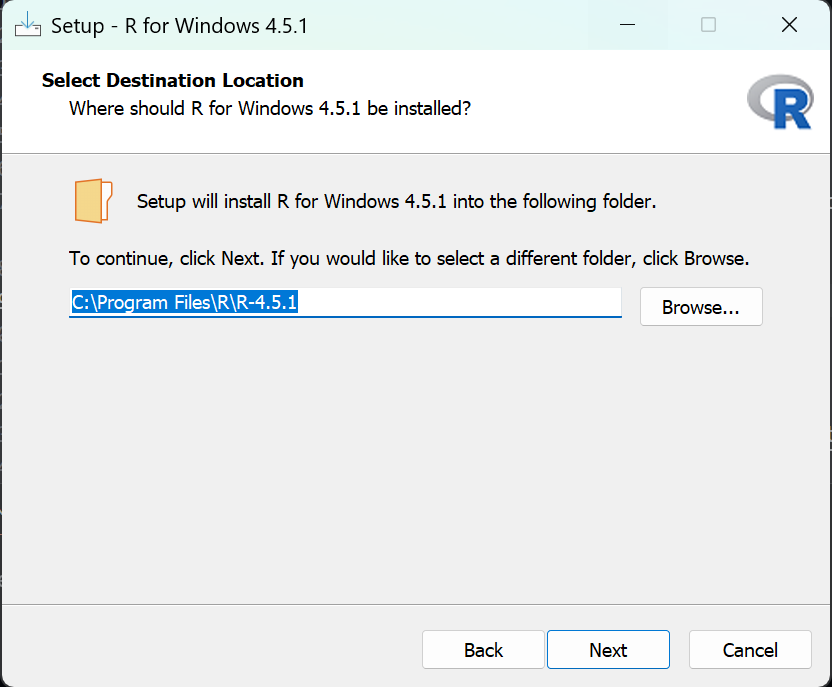
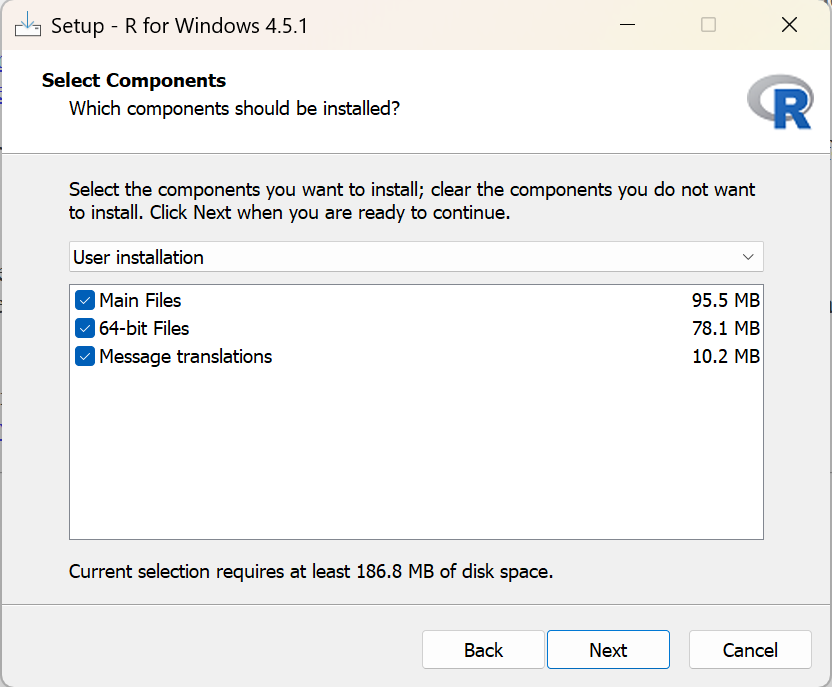
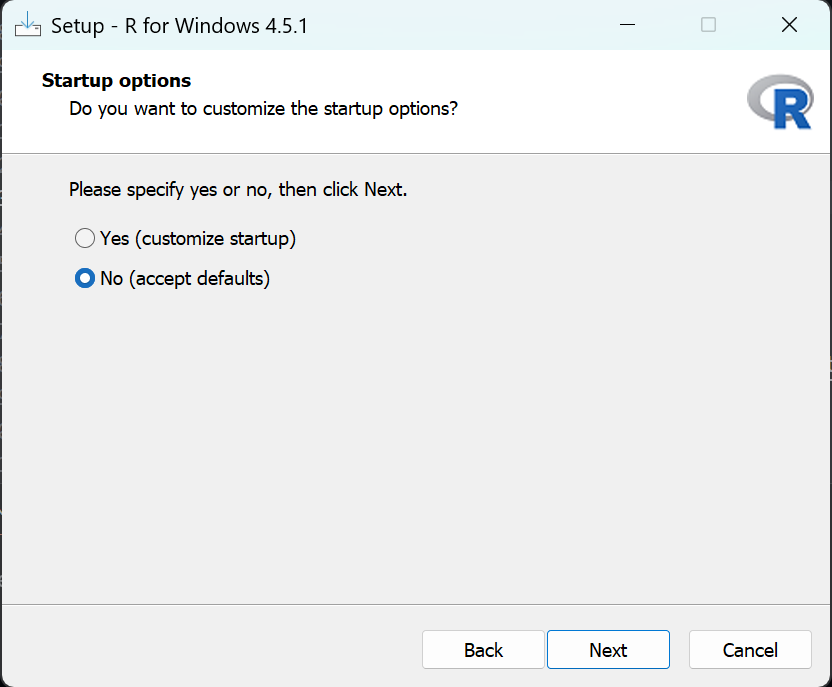
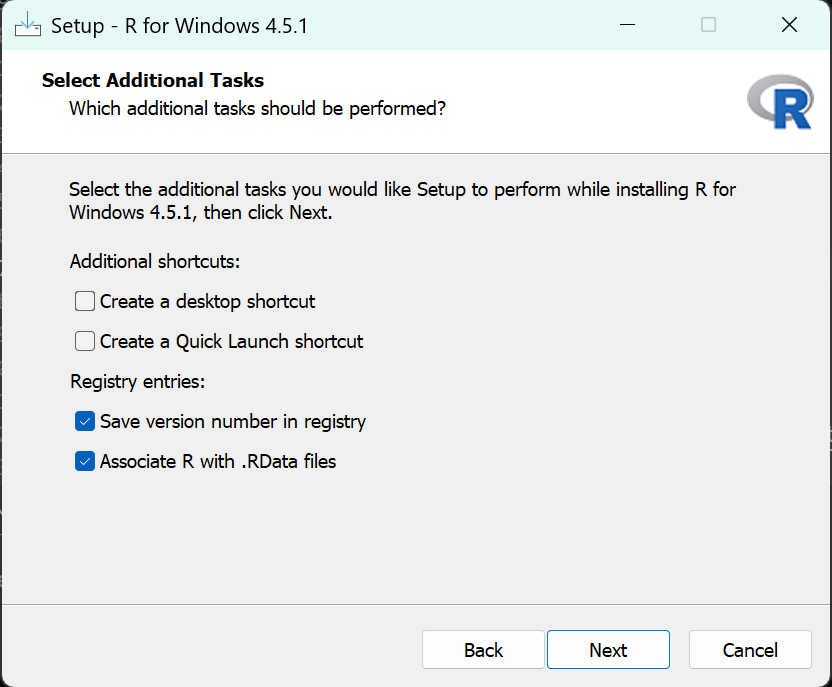
🎉🎉 That’s it! You have finished installing R!!