Get Started with Positron
Context
Positron is a sharp tool to conduct data analytics workflows. Essentially, it is a fancy and multi-functional text editor that allow users to work with codes highly productively. You might have heard of such category of tools called as “IDE” (Integrated Development Environment).
Positron is designed to maximize productivity R and Python users who write command lines for data analyses and workflows.
Positron is made and maintained by a group of dedicated data science professionals at a non-for-profit company called Posit, an open-source data science company. The tool is completely free to use.
Since Positron plays well with both R and Python, we will prioritize using it for our education series here.
Install Positron
⚠️ Please know that the following guide is for Windows users. If you are macOS users, please know that installing Positron follows standard macOS installer process, only choosing macOS installer to download at the source page.
⚠️ Please note that the R version in this reference (4.5.1) might not be as recent as you will see, but the installation process will be the same.
Download Positron installer here.
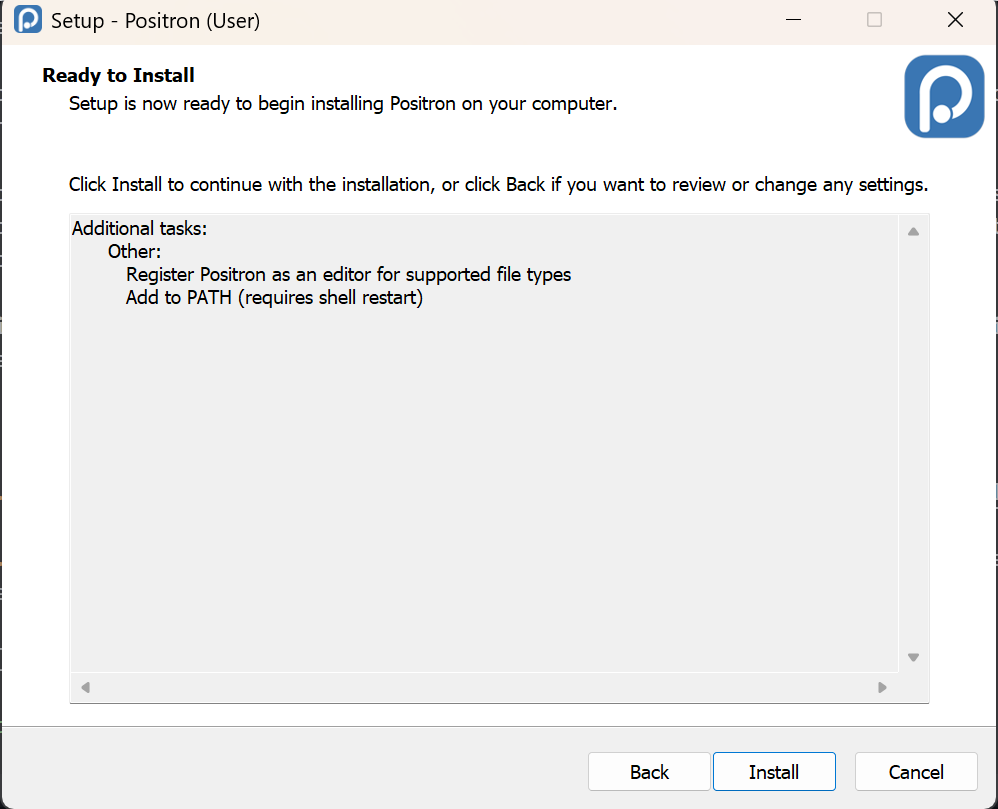
Activate installer. Follow the prompts by the installation wizard. We are accepting the default settings here.
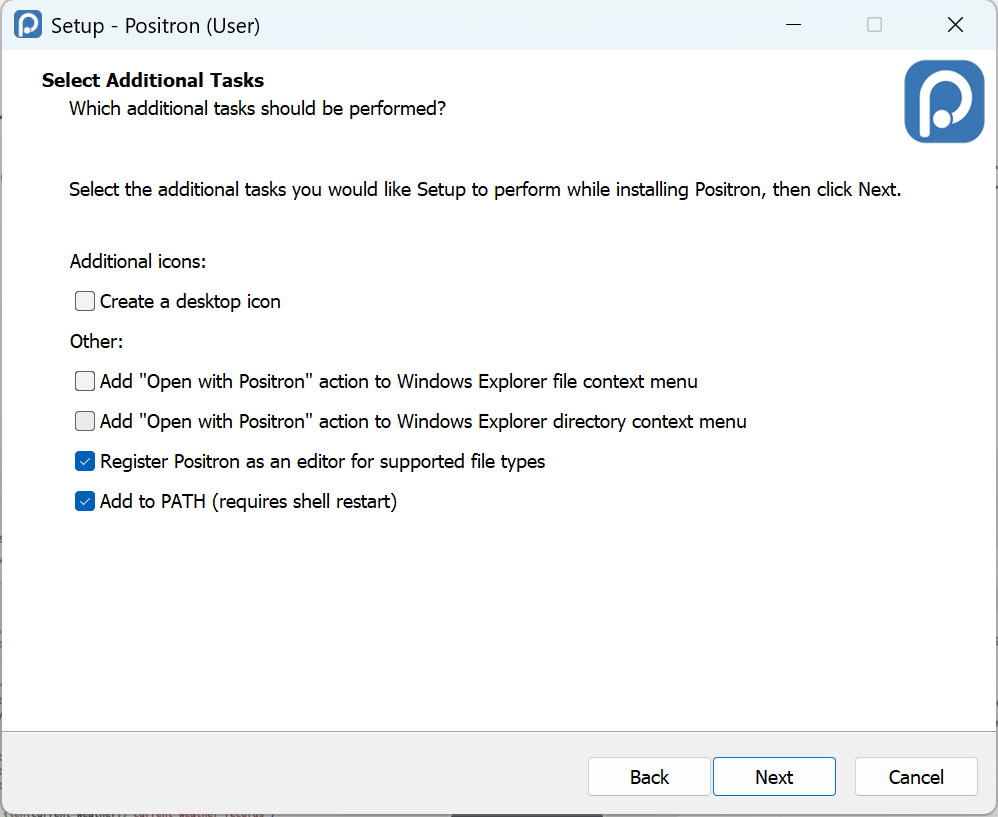
- Confirm settings and install Positron.
- Once the installation is finished. Lanuch Positron and you will see the greeting similar to this.
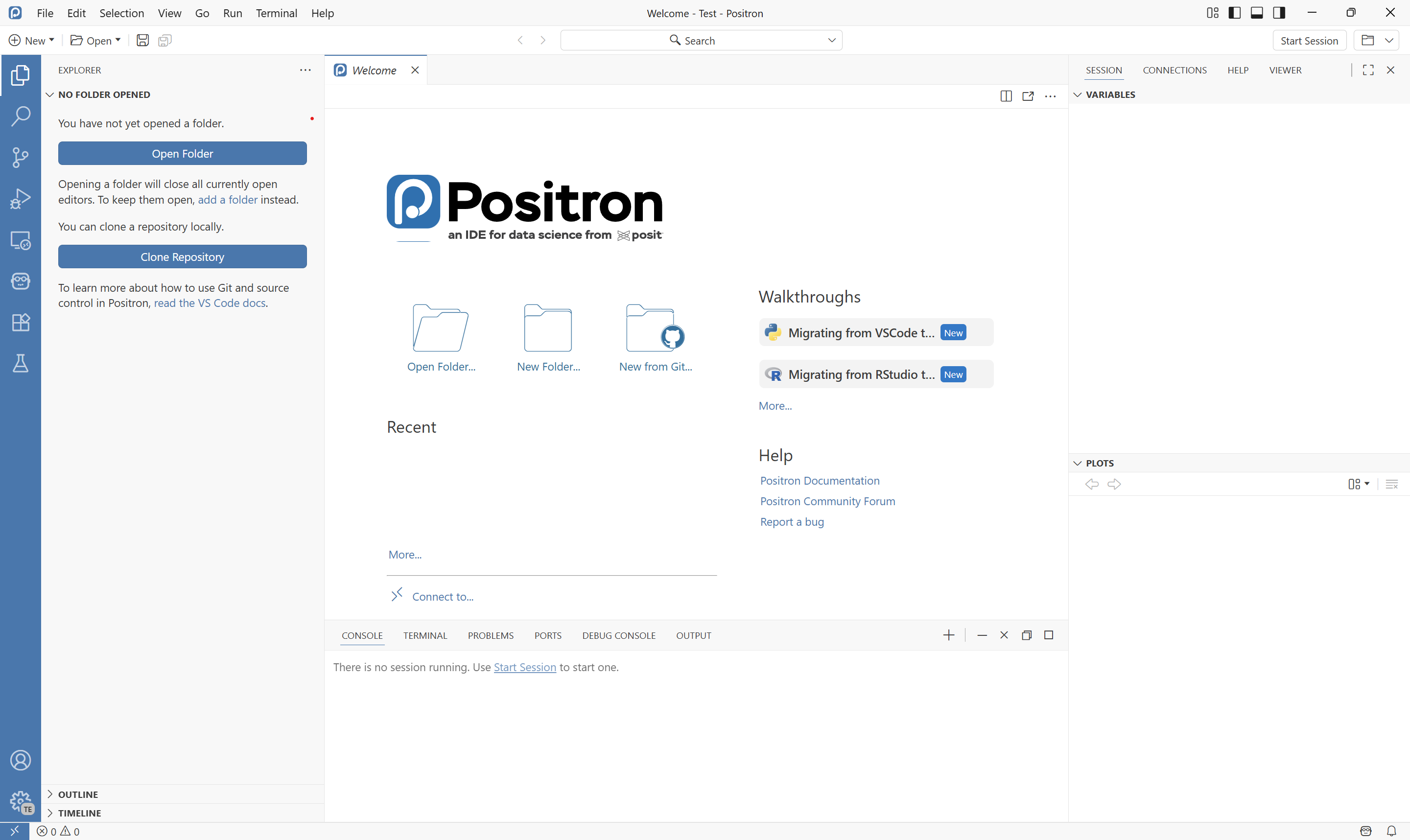
🎉🎉 That’s it! You have finished installing Positron!!